
SlideShare Downloader
Our free SlideShare downloader saves presentations as PDF, PPTX, JPG or text in seconds — no login or software needed.
Paste SlideShare Presentation URL to Download
The uploader has switched off downloads on SlideShare for this deck. Please save it only for personal study and do not share it further.
How to Download a SlideShare Presentation
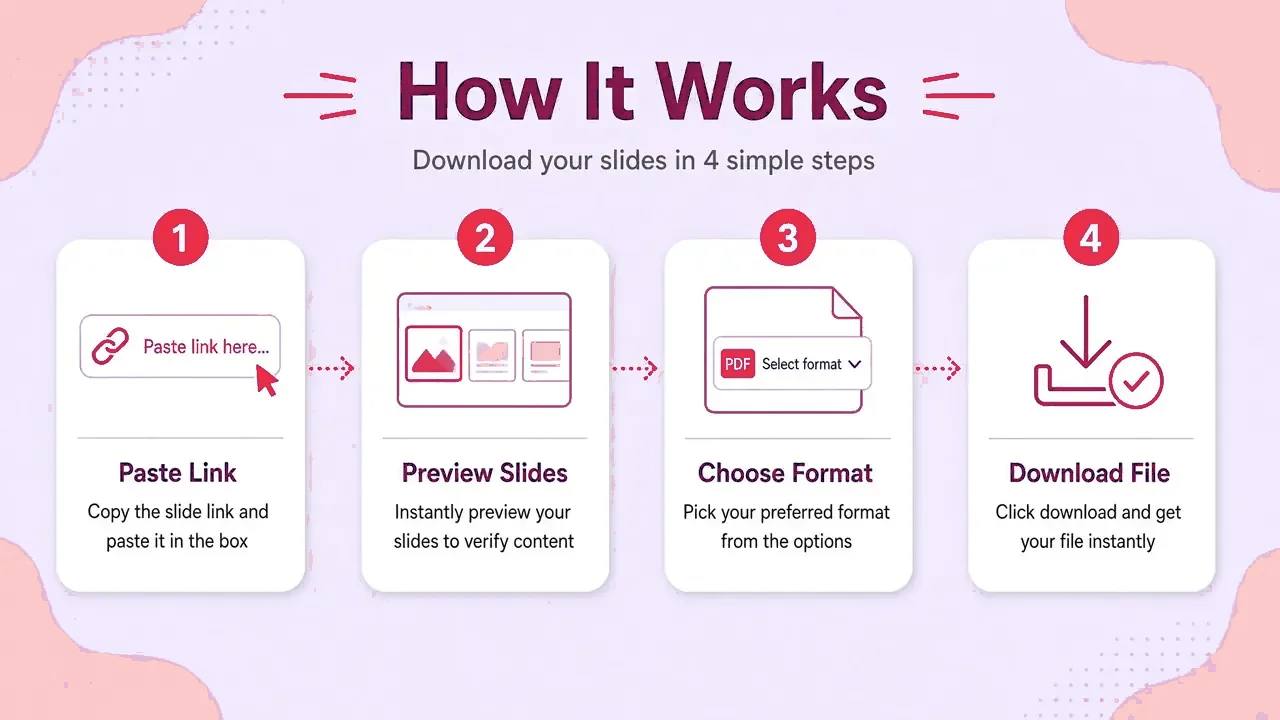
See how our SlideShare downloader saves any public deck as a PDF or PPT in four simple steps.
- Step 1
Copy the SlideShare Link
Open the presentation on SlideShare and copy the address from your browser bar or the Share button.
- Step 2
Paste the Link
Drop the link into the box above and press Download. We read the public page and load a preview of every slide.
- Step 3
Choose Quality & Format
Keep all slides or choose a range, then pick PDF, PPTX, JPG (ZIP) or plain text. HD is selected by default.
- Step 4
Download Your File
Your browser builds the file and saves it under the presentation title. Nothing is stored on our servers.
Why people pick SlideSaver
Free, private, and built for real SlideShare links — not screenshots.
Completely free
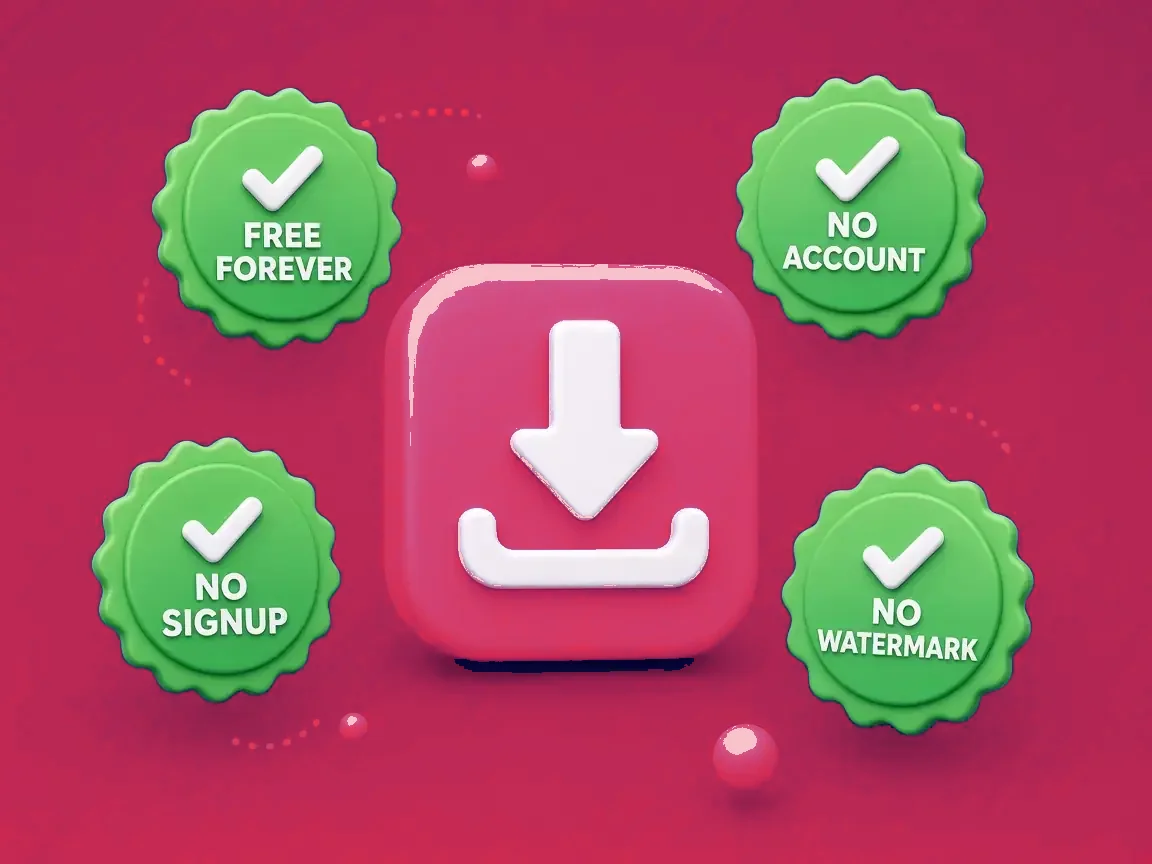
No account, no daily cap, no watermark on the files you save.
Fast downloads
Paste a link and get a slide preview in a couple of seconds on a normal connection.
Private and secure
Files are built in your browser. We do not keep copies of your decks.
PDF, PPTX, JPG & text
Pick the format that fits reading, presenting, remixing or quoting.
Works everywhere
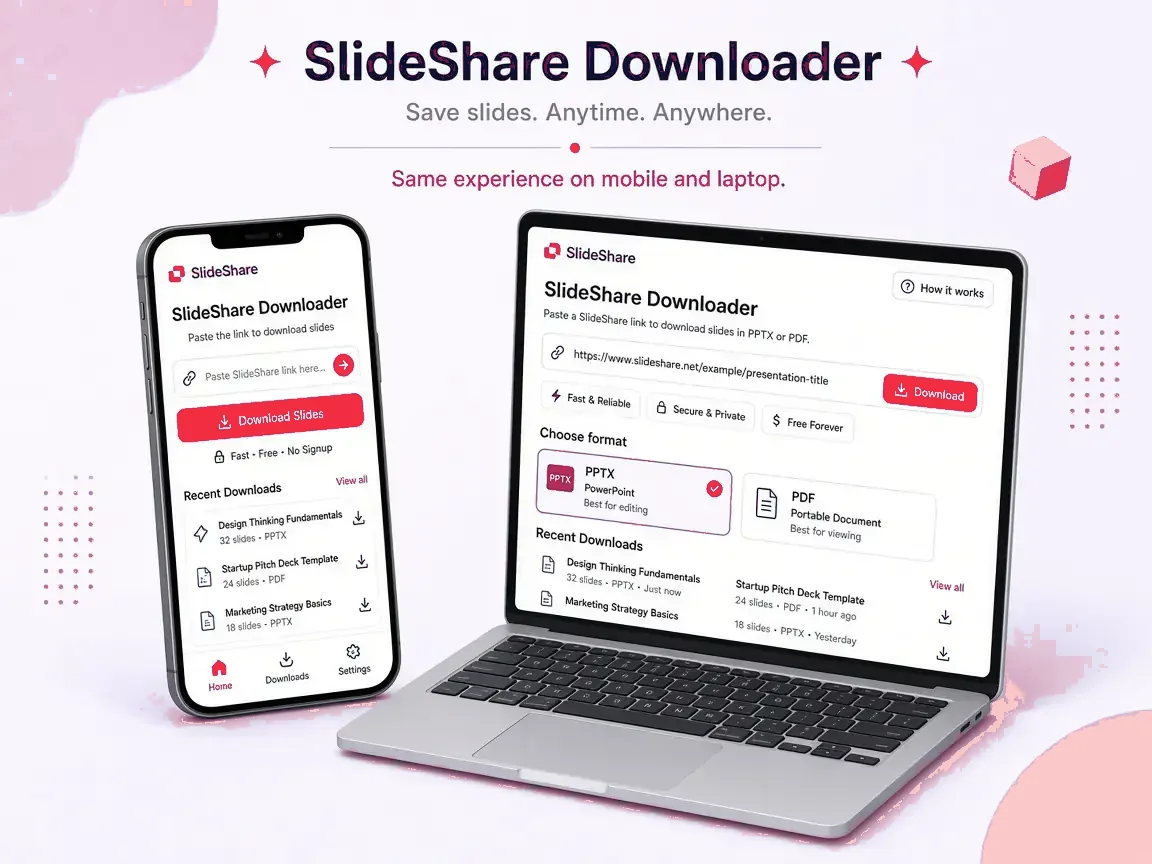
Use it in a modern browser on phone, tablet or desktop — no install.
Original quality
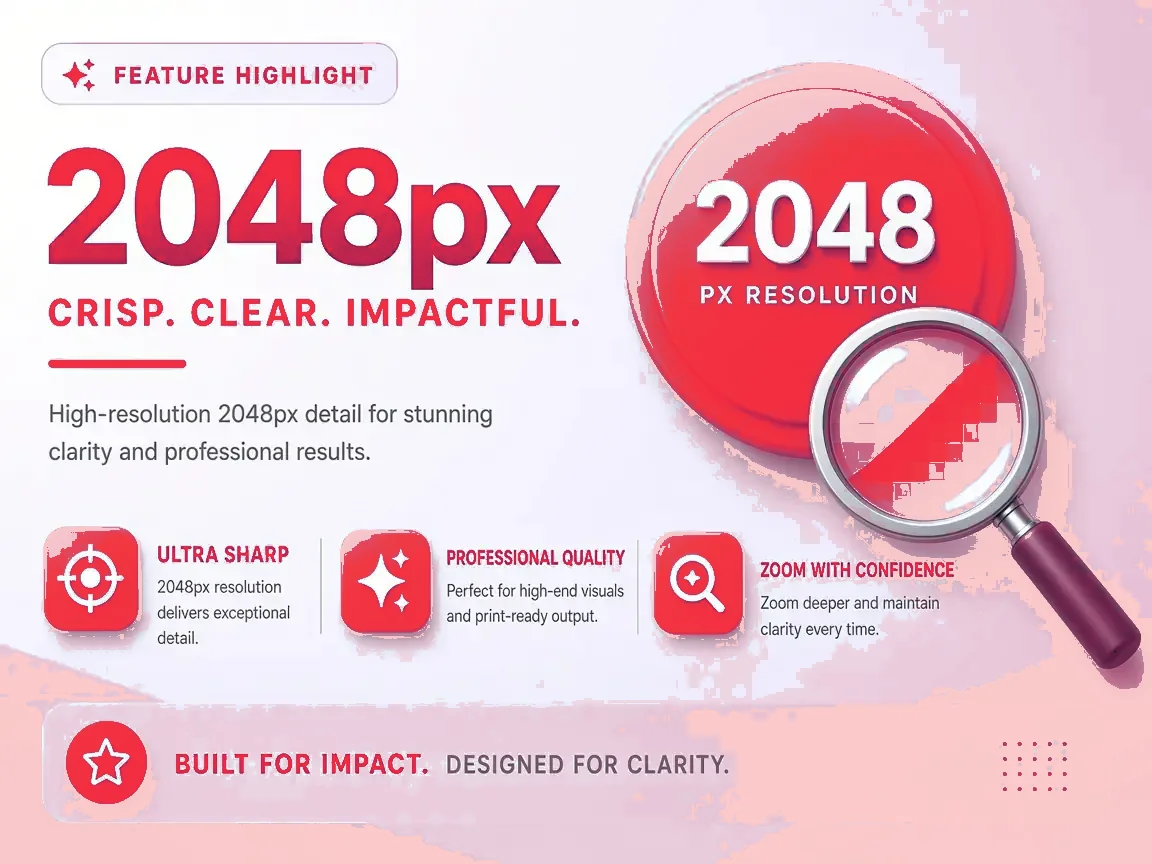
HD up to 2048px wide so slides stay sharp for print and projectors.
Start downloading SlideShare presentations
Paste a public link above and save PDF, PowerPoint, images or text in seconds.
Download with SlideSaverSupported formats
Every format is built from the HD slide images, so they all look identical to the original.
PDF
Print-ready and easy to share or annotate.
PowerPoint
One image per slide; text in speaker notes when available.
JPG / ZIP
Every slide as an HD image, zipped.
Plain text
Slide text only, when SlideShare extracted it.
| Format | Best for | Editable? | Typical size |
|---|---|---|---|
| Reading offline, printing, sharing by email | Fixed layout | Small to medium | |
| PPTX | Presenting in PowerPoint, Google Slides or Keynote; reordering and adding slides | Slides are images; text goes in speaker notes | Medium |
| JPG (ZIP) | Single slides for reports, Canva, Figma, Notion or video edits | Individual images | Largest |
| Text (TXT) | Quoting, notes, translation, search | Fully editable | Tiny |
Tips for the best result
A few habits that make downloads smoother.
Tips for the best results
- Use the deck's own link from the address bar or Share button — search redirects can fail.
- Public decks only. If SlideShare asks you to sign in to view it, it cannot be saved here.
- Choose by purpose: PDF to read or print, PPTX to present, JPG for single slides, text to quote.
- Decks over 150 slides build faster on a laptop than on an older phone.
At a glance
What is SlideShare, and what does a downloader do?
SlideShare is one of the largest public libraries of presentations, with millions of decks on business, technology, science and education. Anyone can view public decks in a browser, but saving them usually needs a paid plan and only works when the uploader allows it.
A SlideShare downloader reads the public slide images of a deck and packages them into a file you can keep. SlideSaver does this on demand: it looks up the deck, shows you a preview, and your browser builds the PDF, PPTX, ZIP or text file locally.
Public vs restricted content
Public decks can be viewed by anyone, so they can be saved here. Private, password-protected, removed or subscriber-only content cannot be opened, and SlideSaver does not try to get around those limits.
Who uses it
Students
Keep lecture slides and study decks for revision without Wi-Fi.
Teachers
Collect reference decks and print handouts for class.
Professionals
Archive industry reports and conference keynotes for later.
Researchers
Save conference talks and pull the slide text for notes and citations.
Marketers and creators
Study how top decks are structured and reuse your own slides in posts.
Designers
Grab single slides as images for mood boards and layout reference.
Why keep an offline copy?
- Study on a plane, a commute or in a hostel with weak Wi-Fi.
- Decks get deleted or made private. A saved copy stays with you.
- Highlight and annotate in your PDF reader.
- Present from PowerPoint without relying on a browser tab.
- Build a personal library sorted by topic.
SlideSaver compared with other ways to save a deck
| SlideSaver | Official SlideShare download | Taking screenshots | |
|---|---|---|---|
| Account needed | No | Yes, plus a plan for most decks | No |
| Works when the uploader disabled downloads | Yes, for public decks (personal use) | No | Yes |
| Formats | PDF, PPTX, JPG, text | The original upload only | Images only |
| Quality | HD (largest published) | Original file | Screen resolution, often cropped |
| Choose slides | Yes | No | Manual |
| Time for a 40-slide deck | Under a minute | Under a minute | 15 to 30 minutes |
Honest pros and cons
Pros
- Free, no account, no watermark
- PDF, PPTX, JPG and text
- HD by default, with slide selection
- Files named by title
- Nothing stored on our side
Cons
- Public decks only
- PPTX slides are images, not editable text boxes
- Animations, embedded video and audio are not included
- Very large decks need more memory on phones
Known limitations
Restricted decks
Private, removed or paywalled presentations cannot be read.
Image-based output
Slides arrive as images, so fonts and charts can't be edited in PowerPoint.
Text depends on the upload
Slide text is only available when SlideShare has extracted it from the original.
Animations
Transitions, builds and media do not carry over.
Common problems and fixes
| Problem | Fix |
|---|---|
| "This presentation is private" | The uploader restricted it. Only the author can share a copy. |
| "We could not find slides" | Make sure the link opens one presentation, not a profile or search page. Copy it again from the address bar. |
| The file won't open | Update your PDF reader or PowerPoint. For ZIP files, extract them first (long-press on mobile). |
| It's slow | Switch quality to SD, or select fewer slides. Large decks build faster on a laptop. |
| Nothing downloads on iPhone | Use Safari or Chrome, allow downloads when asked, then check Files › Downloads. |
| "SlideShare did not respond" | SlideShare may be busy. Wait a minute and try again. |
Is it safe and legal?
Safety and privacy
- HTTPS everywhere
- No sign-up and no personal data needed
- No files or link history kept on our servers
- No software or extension to install
Responsible use
- Public content only; restrictions are respected
- Personal study, research and fair use
- Credit the original author
- Ask permission before you republish
Popular topics people save
More free tools
Downloaders, converters and PDF utilities — all private where possible.
SlideShare to PDF
Print-ready PDF of any public deck.
SlideShare to PPTX
PowerPoint with speaker notes text.
SlideShare to JPG
Every slide as an HD image, zipped.
Speaker Deck Downloader
Public Speaker Deck talks → PDF / PPTX / JPG.
Compress PDF
Shrink PDFs in your browser.
PDF to Images
Export every page as JPG.
Merge PDF
Combine multiple PDFs locally.
JPG / PNG to PDF
Images into a clean PDF.
JPG / PNG to PPT
Build a deck from a folder of images.
PPT images to PDF
Assemble exported slides into a PDF.
Text extractor
Just the words, slide by slide.
WebP to PDF
Modern images into PDF.
Latest guides
How to Download SlideShare Presentations Without Logging In
A step-by-step guide to saving public SlideShare decks as PDF or PowerPoint without a SlideShare, Scribd or LinkedIn account.
Is It Legal to Download SlideShare Presentations?
Copyright, fair use and good manners: what you can and can't do with a SlideShare deck you saved.
PDF vs PPTX vs JPG: Which Format Should You Download?
A quick comparison of PDF, PowerPoint, image and text downloads so you pick the right one the first time.
SlideShare Download Not Working? 7 Fixes That Help
The common reasons a SlideShare download fails, and what to try for each one.
Frequently asked questions
How do I download a SlideShare presentation?
Copy the presentation link, paste it into the box at the top of this page, press Get slides, then choose PDF, PPTX, JPG or text. The file is saved straight to your device.
Is it free?
Yes. SlideSaver is free with no daily cap, no account and no watermark. The site is kept running by light advertising.
Do I need a SlideShare, Scribd or LinkedIn login?
No. If a presentation is public on SlideShare, you can save it here without signing in anywhere.
Which formats can I download?
PDF for reading and printing, PPTX for PowerPoint, Google Slides or Keynote, a ZIP of JPG images (one per slide), and a plain-text file of the slide text when SlideShare has it.
Can I edit the PPTX file?
Each slide comes in as a full-size picture, so you can reorder, delete, annotate or add new slides. The original text boxes are not editable, but the slide text is placed in the speaker notes so you can copy it.
What quality do I get?
HD by default, which is the largest size SlideShare publishes (usually 2048 pixels wide). You can switch to SD for smaller files.
Can I download only some slides?
Yes. Untick slides in the preview or type a range like 1-5, 9 and press Enter. You can also save any single slide as a JPG.
Does it work on iPhone and Android?
Yes. It runs in any modern mobile browser. On iPhone, files go to the Files app or your Downloads folder in Safari.
Why does it say the presentation is private?
The uploader has made it private or restricted. We cannot and will not get around that. Ask the author for a copy.
Do you store my files or links?
No. Slides are fetched on demand and your file is built inside your own browser. We do not keep copies or a history of links.
Can I download SlideShare videos?
No. Only slide decks and documents are supported.
Is this tool affiliated with SlideShare?
No. SlideSaver is an independent tool and is not linked to SlideShare, Scribd or LinkedIn.
SlideSaver is an independent service for saving publicly viewable presentations. We do not host, cache or redistribute presentation files. All trademarks belong to their owners. You are responsible for using downloaded content in line with copyright law and the author's wishes.